Tier List Maker
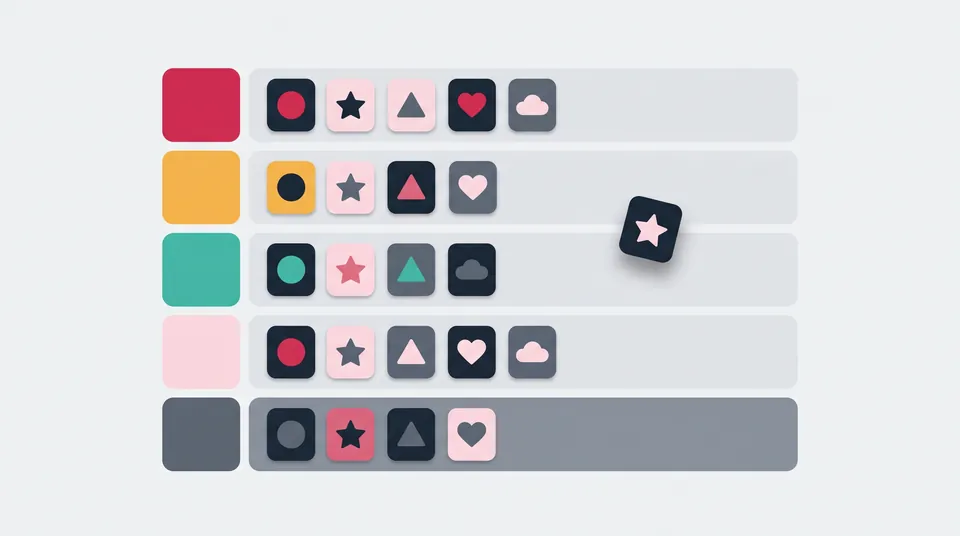
Drag names or your own images into ranked tiers, customise the tiers and download the finished tier list as a PNG.
Tier list
Make your tier list
Press Enter to add. Paste one name per line to add several.
Choose, drop or paste images. They are cropped to squares in this browser, never uploaded.
Unranked items
Add text or images above, then drag them into a tier.
Edit tiers: names, colours and order
Download your tier list
Your list is saved in this browser.
Advertisement
How to make a tier list
- Keep the blank S to F tiers or pick a starter list, and add a title.
- Type a name and press Enter, paste one name per line, or choose, drop or paste images.
- Drag items from Unranked into a tier. On a phone, touch and hold an item, then drag it.
- Open Edit tiers to rename, recolour, reorder, add or remove tiers.
- Download the list as a PNG, or copy it and paste it into a chat.
Keyboard and screen reader controls
Tab to an item and use the arrow keys to move between items. Space or Enter picks an item up; Up and Down move it to another tier, Left and Right change its place, Space drops it and Escape puts it back. Delete removes it. Each move is announced, for example “Creeper, tier A, position 2 of 4”.
Saving, starter lists and the PNG
Your list saves itself in this browser's local storage, with images as small compressed copies. Browsers allow about 5 MiB of local storage per site, so a list with very many images may not fit; the tool warns you, and the download still works. The PNG is 1,200 px wide with your title and tiers. Unranked items are left out, and the small livecounts.nl/tier-list-maker credit can be switched off.
Starter lists contain names only. The streamer list uses 20 of Wikipedia's most-followed Twitch channels (as of 2 August 2026), the mobs match the Minecraft Wiki, and the Fortnite list covers Chapter 1's ten seasons.
Sources, checked 19 November 2026: MDN on storage quotas and Clipboard.write(), Wikipedia, the Minecraft Wiki and the Fortnite Wiki.
Your images stay in your browser
Images are read, cropped and compressed on your device and never uploaded to Livecounts.nl. The saved copy lives only in this browser; New list or Clear items removes it.
Frequently asked questions
Are my images uploaded?
No. Each image is cropped to a 160 × 160 px square and compressed on your device, then kept only in this browser's storage. It is never sent to Livecounts.nl.
Will my tier list still be here tomorrow?
Yes, in the same browser on the same device, unless you clear this site's data or use a private window. To keep a copy anywhere else, download the PNG.
Can I make a tier list on my phone?
Yes. Touch and hold an item until it lifts, then drag it; a quick swipe still scrolls the page. You can also tap an item and pick a tier under Move to.
How many items can I add?
Up to 400. In our tests a saved image took 3 to 12 KB, so a hundred images fit easily. If storage does fill up, the tool tells you, and Download PNG keeps working.
Why doesn't Copy image work?
Your browser has to support copying PNG images to the clipboard, as current major browsers do, and some ask for permission first. If copying fails, use Download PNG and share the file.
More free tools
Advertisement